

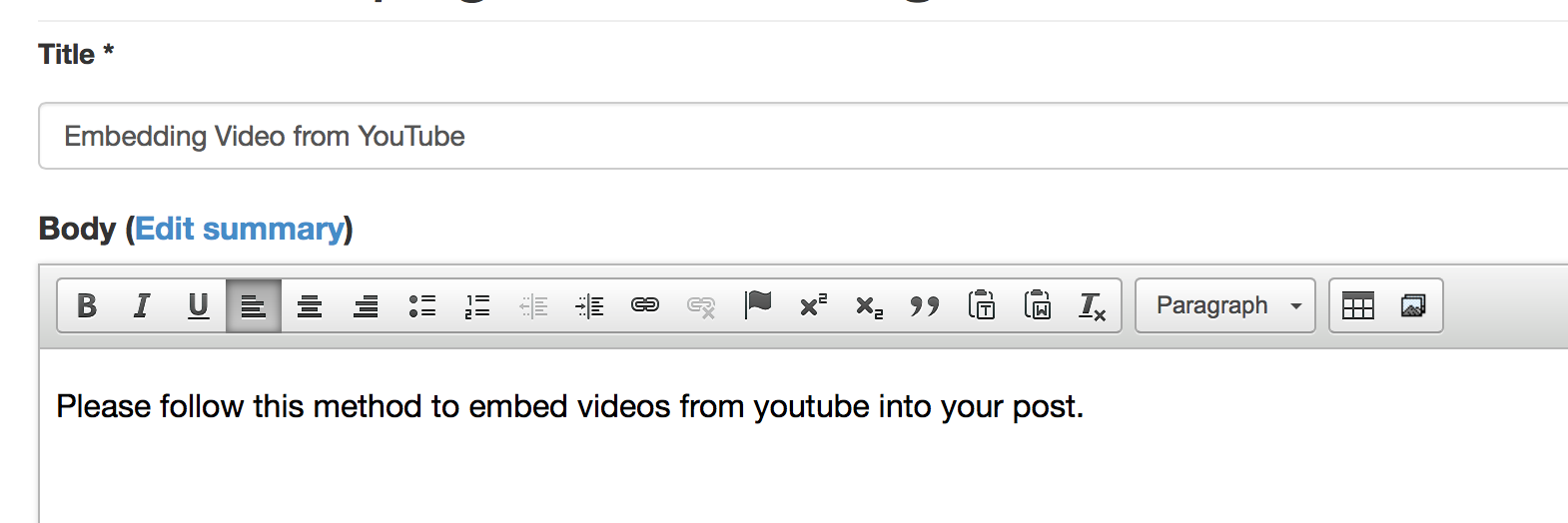
Please follow this method to embed videos from youtube into your post.
Add the text of your content into the body of the post. Type INSERT VIDEO HERE where you want to insert the video.
Go to www.youtube.com and select the video you would like to embed.

Click the SHARE button.

Copy the address provided.

Open the document and find the location you wish to embed the video. Then, hit the MEDIA button (found on the far right of the tool bar).
Choose the WEB tab from the upper right of the media browser.
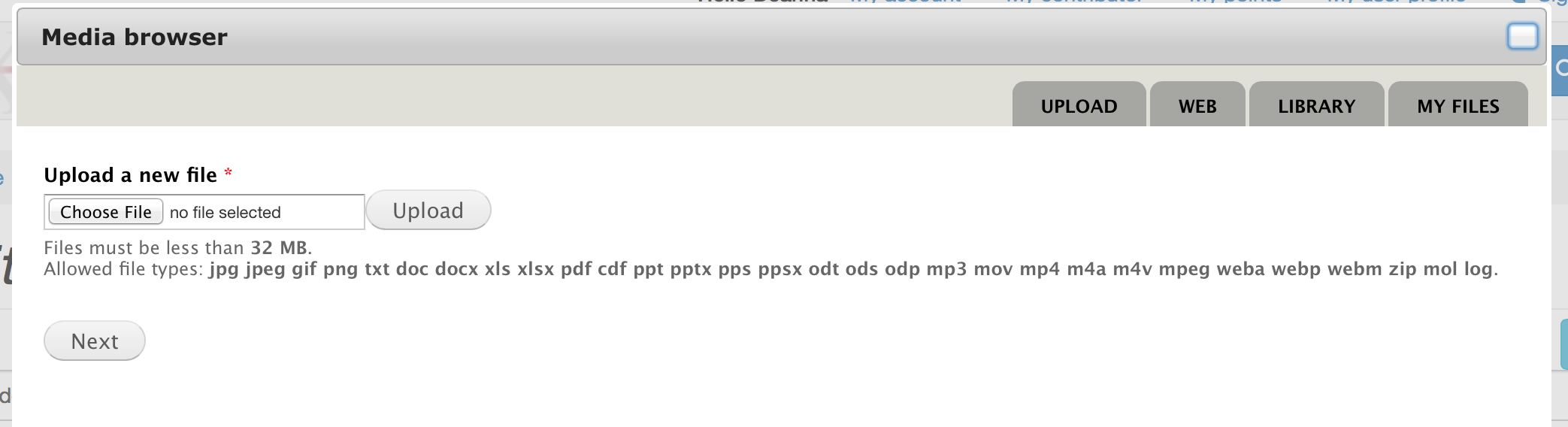
Paste the address you copied from youtube into the URL box.

Include a caption that will be displayed under the embedded video. Then, hit the SAVE button.
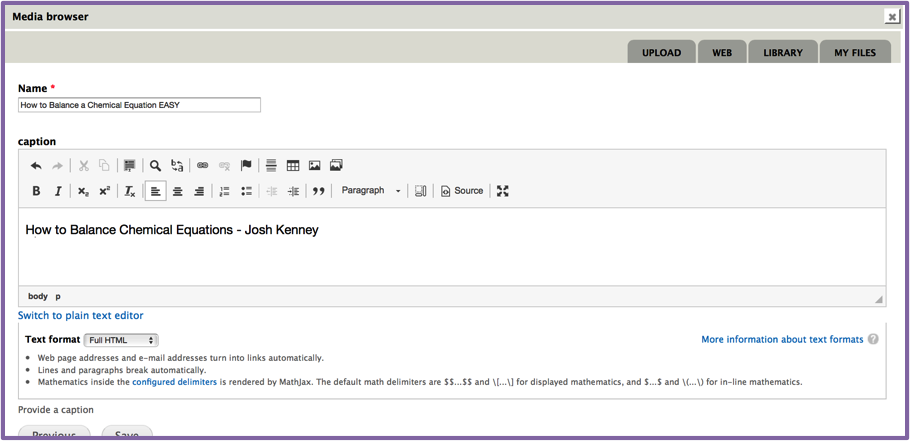
You will then need to choose a display option. "Original" is the best option.


After saving the post, you may need to refresh the page before you can see the working video.