Using The ChemDraw iPad App For Making Structures: A Quick Review And Tutorial
Editor's Note: Please read the Lowell's 11/3/17 comment under the post.
"Mr. T, what's that thing attached to the fourth carbon on this structure?"
"Are there hydrogens there or some other element?"
I routinely get questions like this when I draw structures for my students because I simply don’t have good handwriting. This poor handwriting translates into poorly drawn Lewis Structures. I have had this issue since at least third grade when I earned a C in penmanship from Ms.Dodson. The problem is I get so excited to draw and explain the structures that I tend to draw too fast and have trouble going slow enough to draw good structures. To help with this, I have started using ChemDraw for the iPad.
It's $9.99 in the U.S. iPad App Store, and well worth the money in my opinion. The app has a relatively simple interface that makes drawing structures quite simple. And rather than use a bunch of words here, I would rather show you a couple images and share a video tutorial with you.
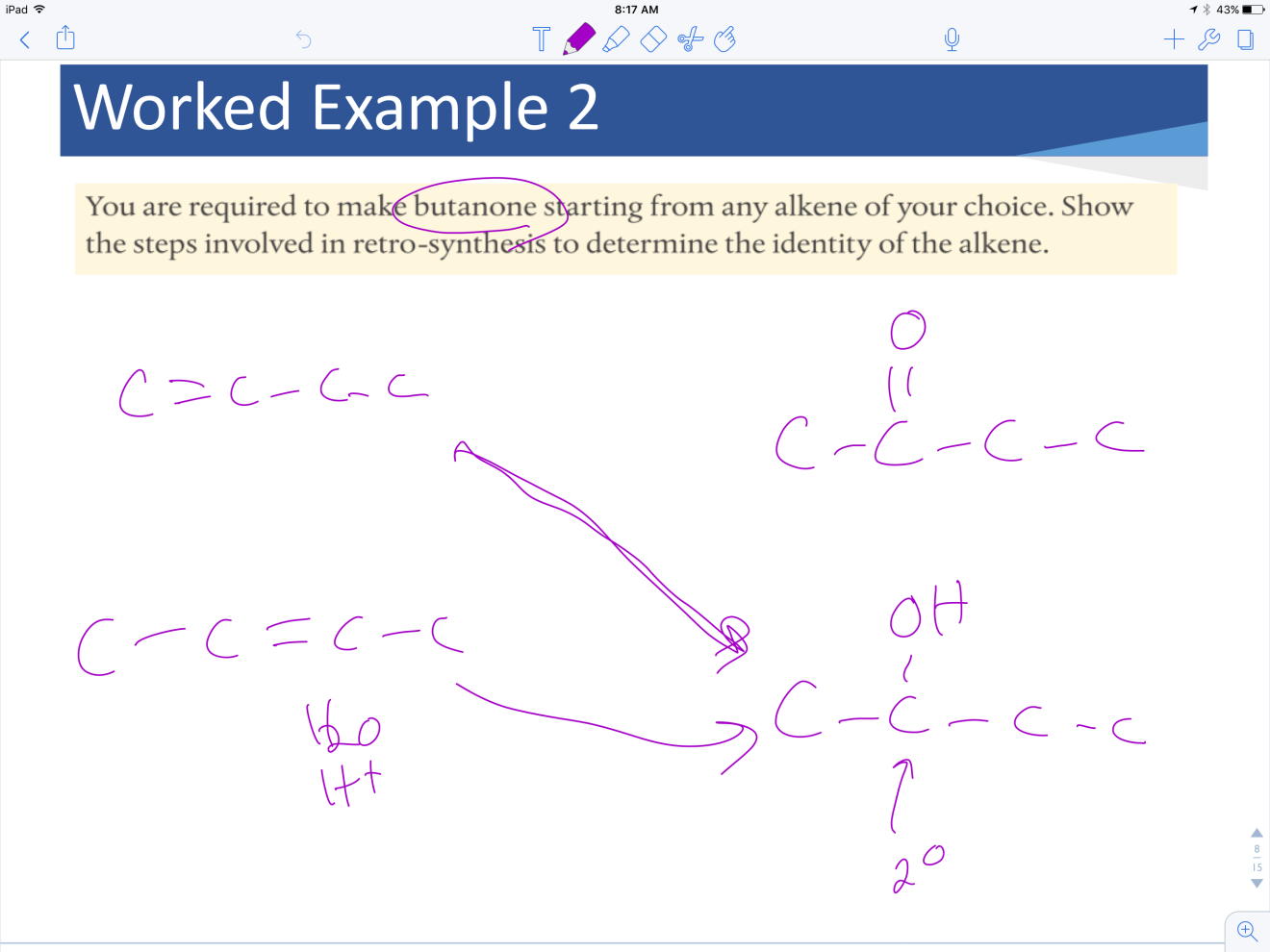
First, an image from Notability where I drew some structures, just for context to show why I prefer to use ChemDraw rather than draw by hand.
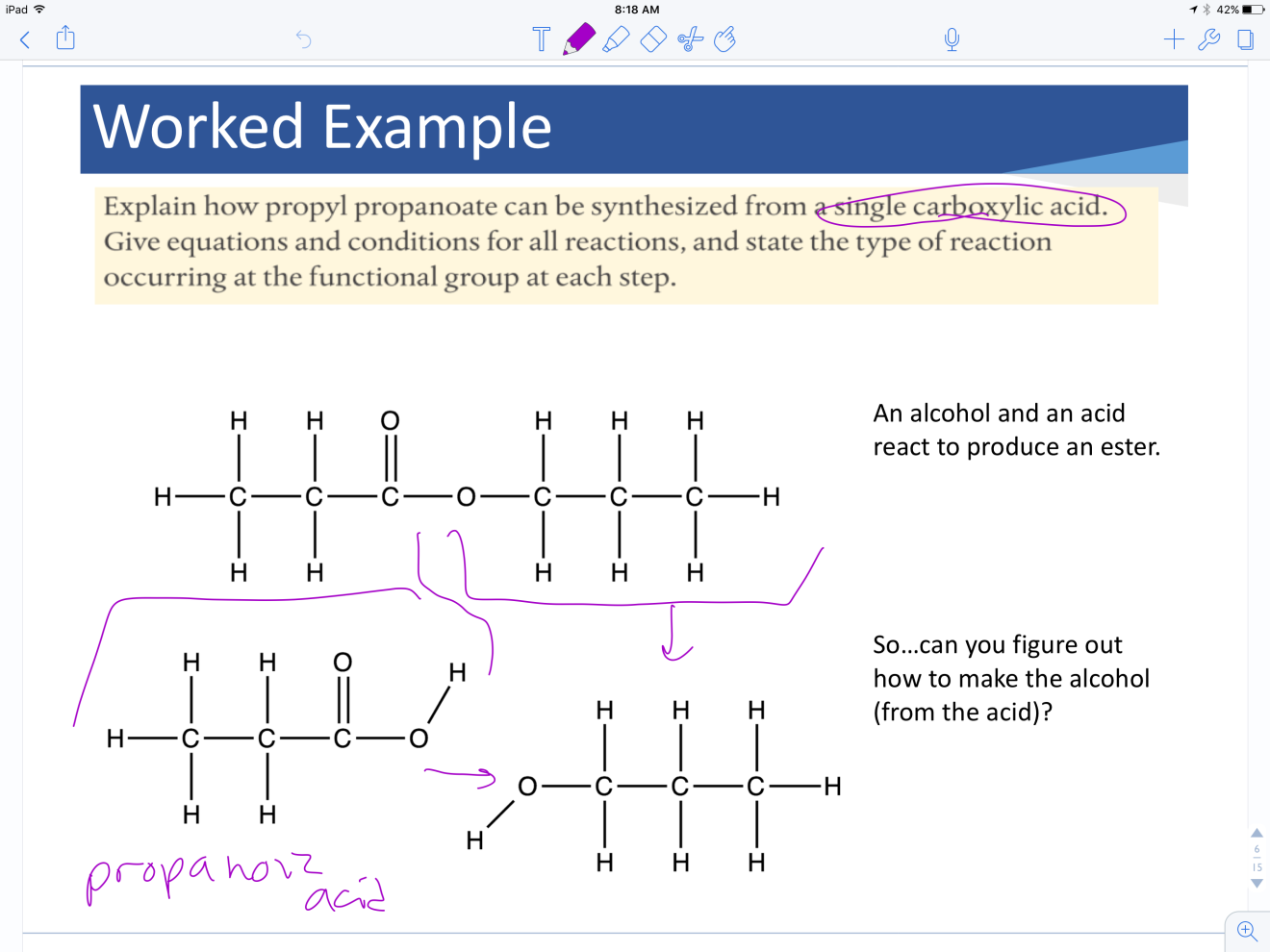
Next, an image from Notability with some structures from ChemDraw.
I also recorded a tutorial to show you how I use ChemDraw to make my structures.
A few final thoughts: If you have an iPad, I would suggest the ChemDraw app as a good purchase if you are teaching much organic chemistry - but even for just "standard" Lewis structures ChemDraw is a great tool to draw relatively clean structures. It certainly has some limitations, but I have found with a bit of practice I can create and manipulate the structures I want to show.
My next goal: Gain enough proficiency that I can use ChemDraw on the spot for teaching, such as mechanisms. I need to become more comfortable with the electron-pushing arrows and such, but I am getting close!
Do you use ChemDraw? Is there a feature you like that I didn't highlight or a technique you would like to share? What other iPad apps do you use that are chemistry-specific?
Pick Information

Comments
4Buyer BEWARE! ChemDraw is not supported for iOS 11
I've been using ChemDraw for quite some time to draw structures on my iPad.
Until today.
I was working this evening trying to prep a set of notes and went to open ChemDraw and got an error message that it wasn't compatible with iOS 11.
In visiting the Perkin-Elmer website, apparently they've decided to discontinue the iPad app. This is a real bummer to me, as I thought it was a great app and well worth the price.
So, if you've already purchased ChemDraw for your iPad - and not yet updated to iOS 11...do so at your own risk. You will lose access to ChemDraw (and possible some other apps on your iPad as well).
Share Your Thoughts