
The FAQ provide information useful in helping you use ChemEd X. If you are unable to find the help you are looking for, please feel free to use the contact form.
REGISTER AN ACCOUNT
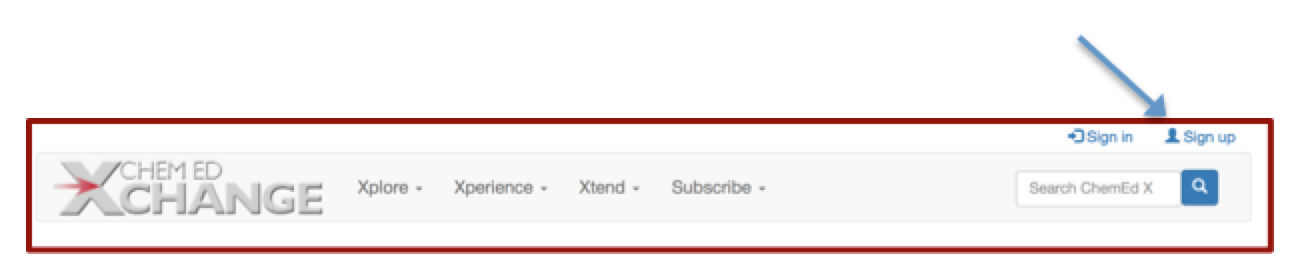
Registering for a ChemEd X account provides the options to receive a monthly newsletter. When you log into your account, you will be able to submit comments and questions. These comments are moderated. Authors are good about responding promptly.
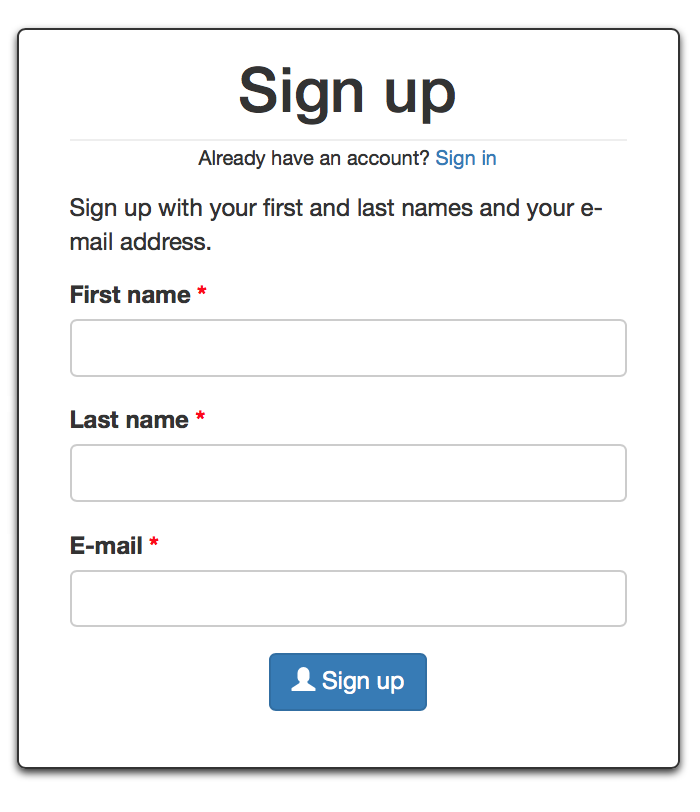
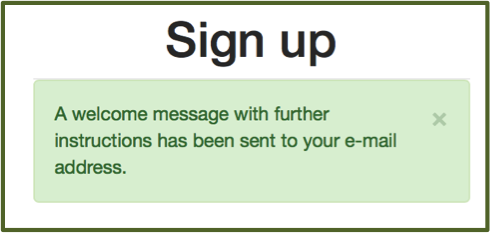
If you don't already have an account, Choose the Sign Up link at the top right of the homepage. You will then see a Sign Up box that asks for your first and last name and an email address. Then check your email to confirm your account and find directions about logging into your new account and setting up a password and profile. If you do not see an email, please check your spam folder. If you need further help updating your profile, scroll down for more details within this FAQ.
SUBMITTING A MANUSCRIPT
We welcome submissions from any chemistry teacher. For help with submitting a manuscript, you should read the Contribution Page. You should also use the Contribution Guidelines and a PDF template or Word template to use for submissions.
UPDATING YOUR PROFILE AND MANAGING SUBSCRIPTIONS
1. First, you will log in to your ChemEd X account. Of course, you will be given the option to reset your password if you have forgotten it.
2. Once logged in, you will see your name in the upper right of the homepage.

3. If you click on your name, you will see several options in a pull-down menu. Choose “Account”.
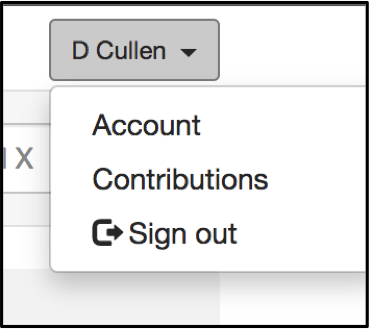
4. You will see your profile on the left and a gear box on the right. Using that gear box, choose “Edit”.
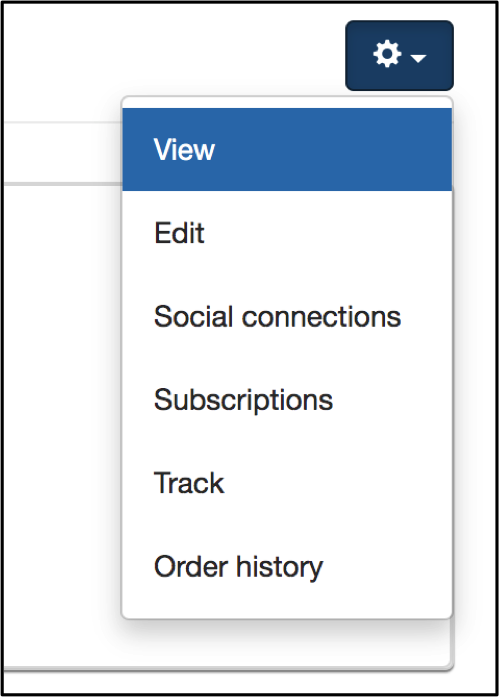
5. By choosing “Edit”, you can add or change a photo of yourself, change your password or your email address.

6. Just above your name on the account page, you can see several choices.
- “User Profile” will allow you to add/modify your affiliations, taglines, your role in the chemical education community and your address. Note that your address will not be accessible to other users and that ChemEd X will not share or sell your personal information.
- The “Newsletter” option will allow you to change your subscription to our monthly newsletter and any “Call for Contribution” announcements.
How to Use the Search Feature

1. Enter the topic you are interested in by entering keywords into the search bar found at the top of most ChemEd X pages.
2. Below, you can see what the screen will look like if you search DENSITY. You can scroll through the resources that come up below the search bar. You can filter the search "by topic", "chemical compound", "chemistry domain", "tags", "types" of manuscripts and by "author". These filters are found on the right side of the page.

3. For instance, If you wish to find a demonstration related to density, you can use the filters to narrow down the choices. Cllick on demonstrations.

4. Several options will show up that fit the narrower search.

There will be more information added to this page. In the meantime, if you have a suggestion for this page or are looking for support, please reach out to us through the contact form.